Cut out shapes out of plastic sheets with a CNC
HDPE
Cut out shapes out of plastic sheets with a CNC
HDPE
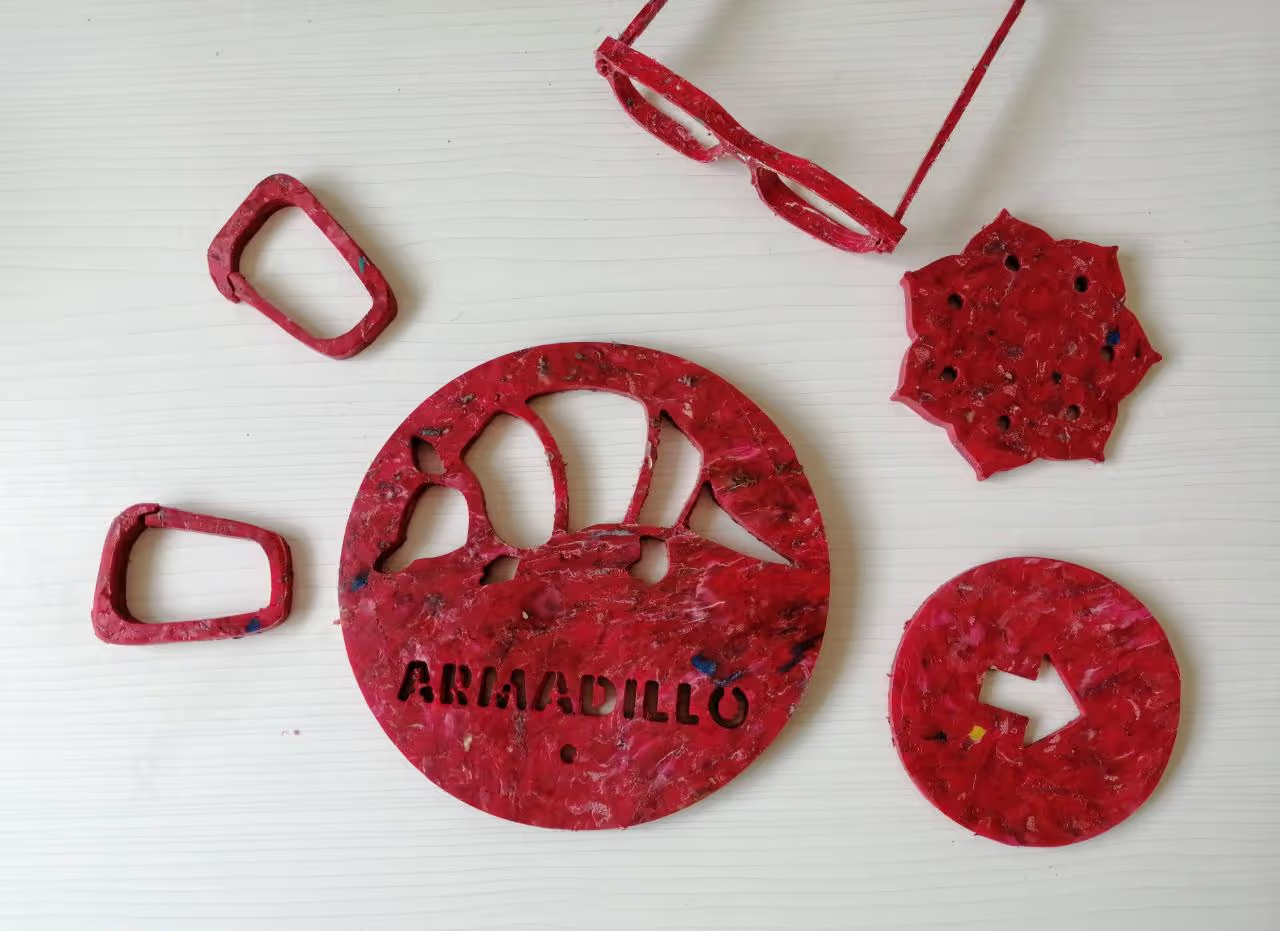
In this how to, I will show you our process to cut HDPE Sheets using a X-Carve CNC.
Here is the full video in spanish with subtitles https://www.youtube.com/watch?v=4LrrFz802To
Browse Files
Table of Contents
For this step we need to measure our plastic sheet: Height, Width and Thickness. Our X-Carve machine works with the CAM Software EASEL, for me, the easiest software for CNC milling out there.
The cool thing about Easel (easel.inventables.com: easel.inventables.com/) is that you can "simulate" your actual material and THEY EVEN HAVE HDPE 2-Colors in their cutting material lists!!
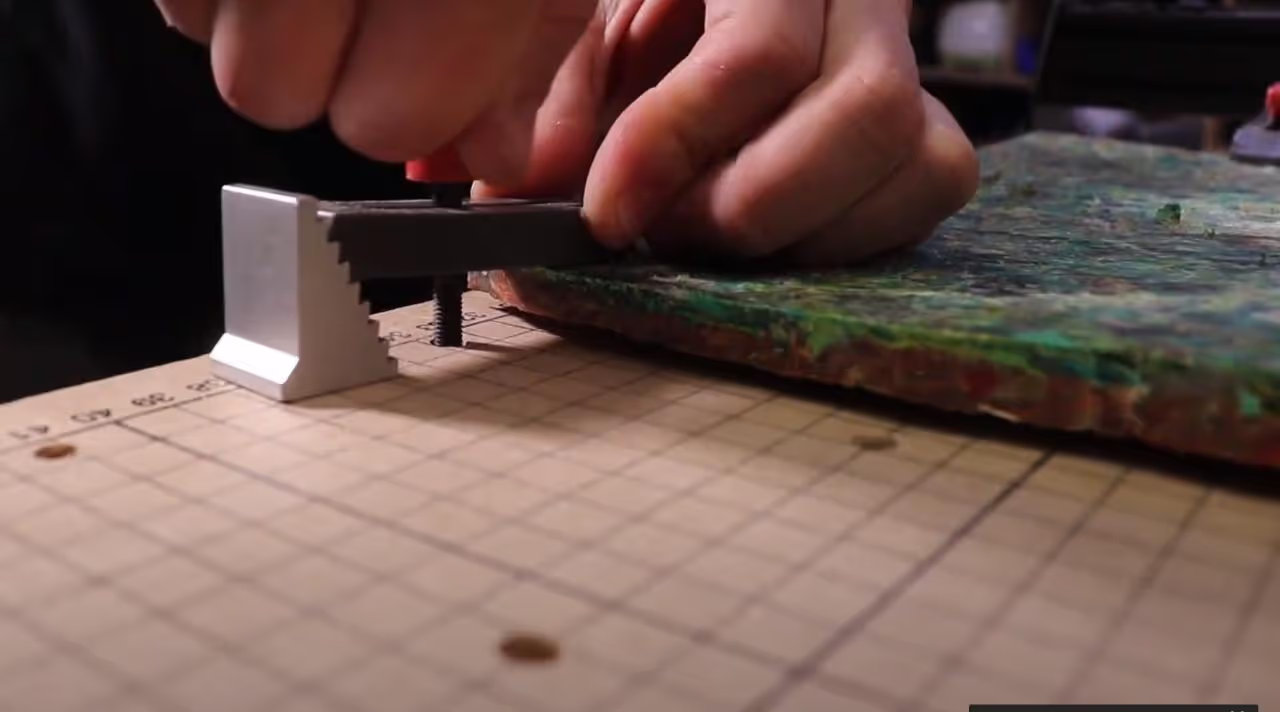
Using the CNC clamps from the X-Carve, secure the sheet to the table,
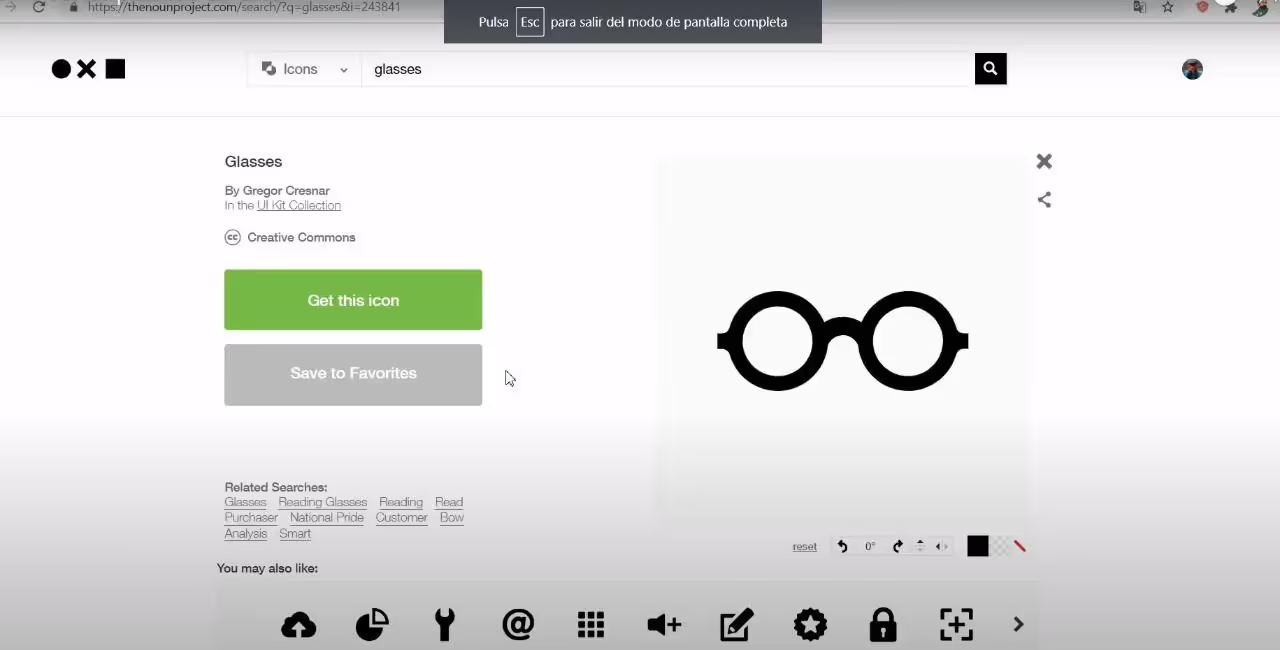
Now we go to our illustrator, such as Inkscape to design a vector file or download and open source one frome thenounproject.com: thenounproject.com
We download the SVG file, which is an open source vector format and import it to Easel.
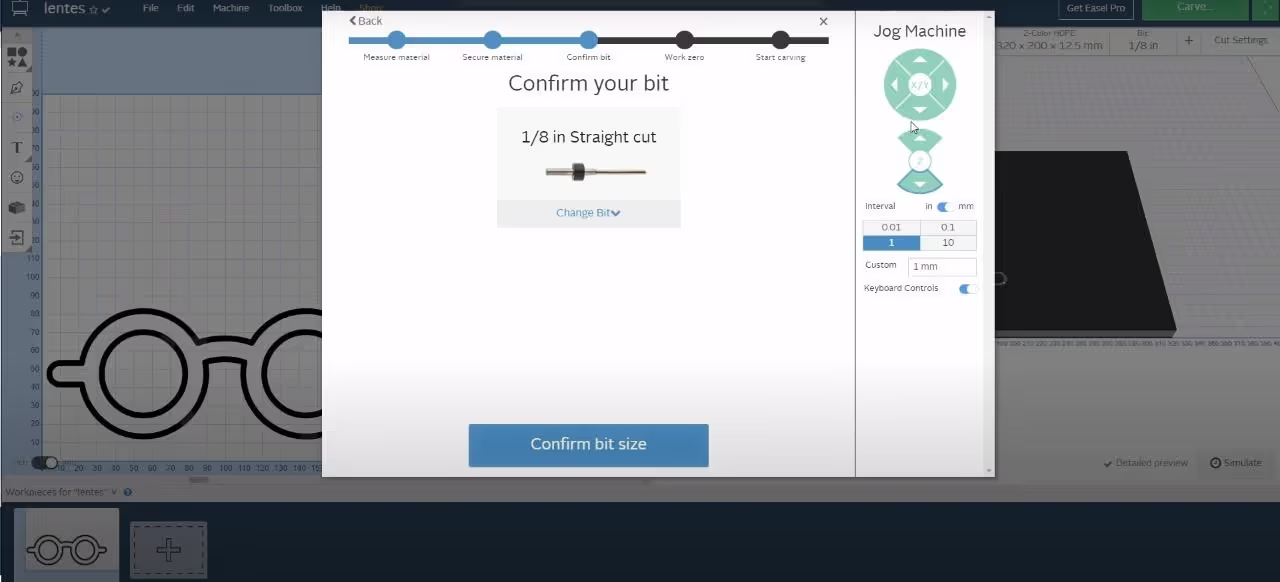
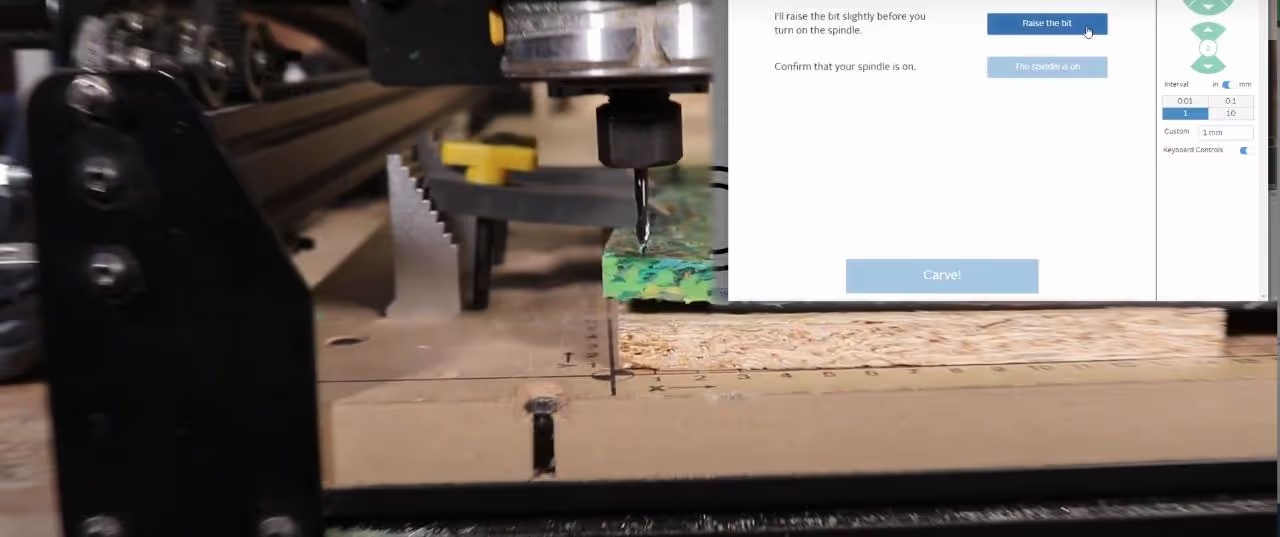
Now with the file we can choose the width we want to carve/cut and then we go to cut and start the wizzard:
AND PUM THE MAGIC BEGINS!!
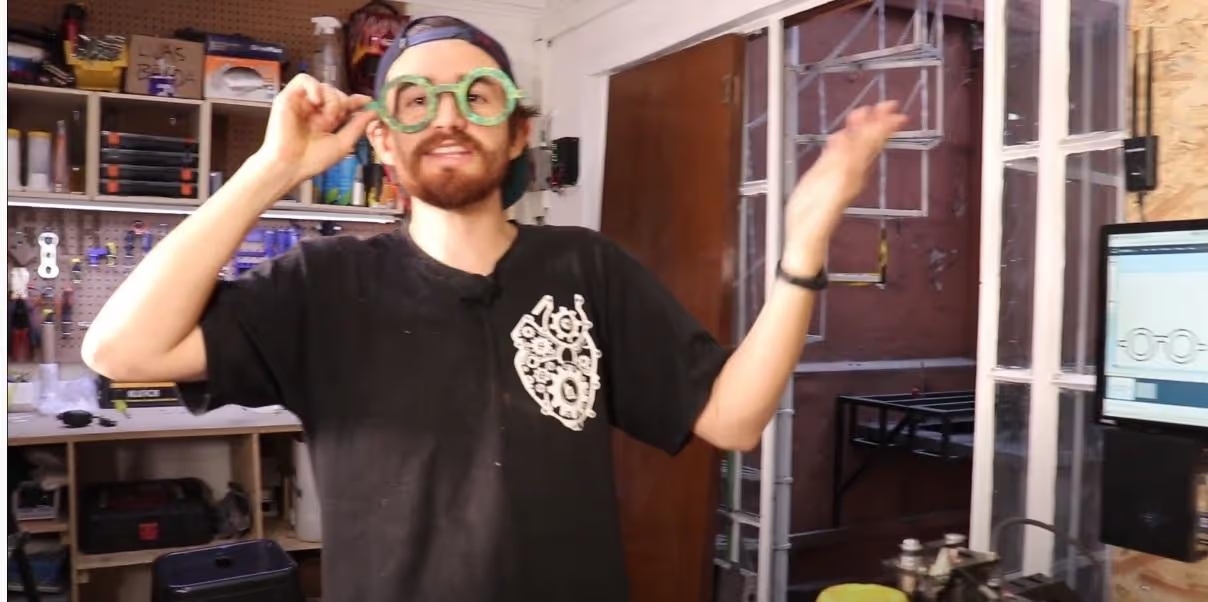
You take now your glasses or object and postprocess them and of course show it to your friends, family and so on.
You can try this project with other types of CNC machines, even manual Routers or manual saw, as I did on this video: youtu.be: youtu.be/gxkcffQD3eQ, but the important thing is that you share what you do and help this community to grow!!!
Share your ideas and comments!