Test MDX File
6 min read
By Test Author December 19, 2024This is a test MDX file to verify the resources collection is working properly.
Table of Contents
Test MDX Content
This is a test MDX file with proper frontmatter. It should now appear in your resources collection.
🎯 Relative Path Solution for Imagetools
✅ NEW: Relative Paths with Custom Wrappers
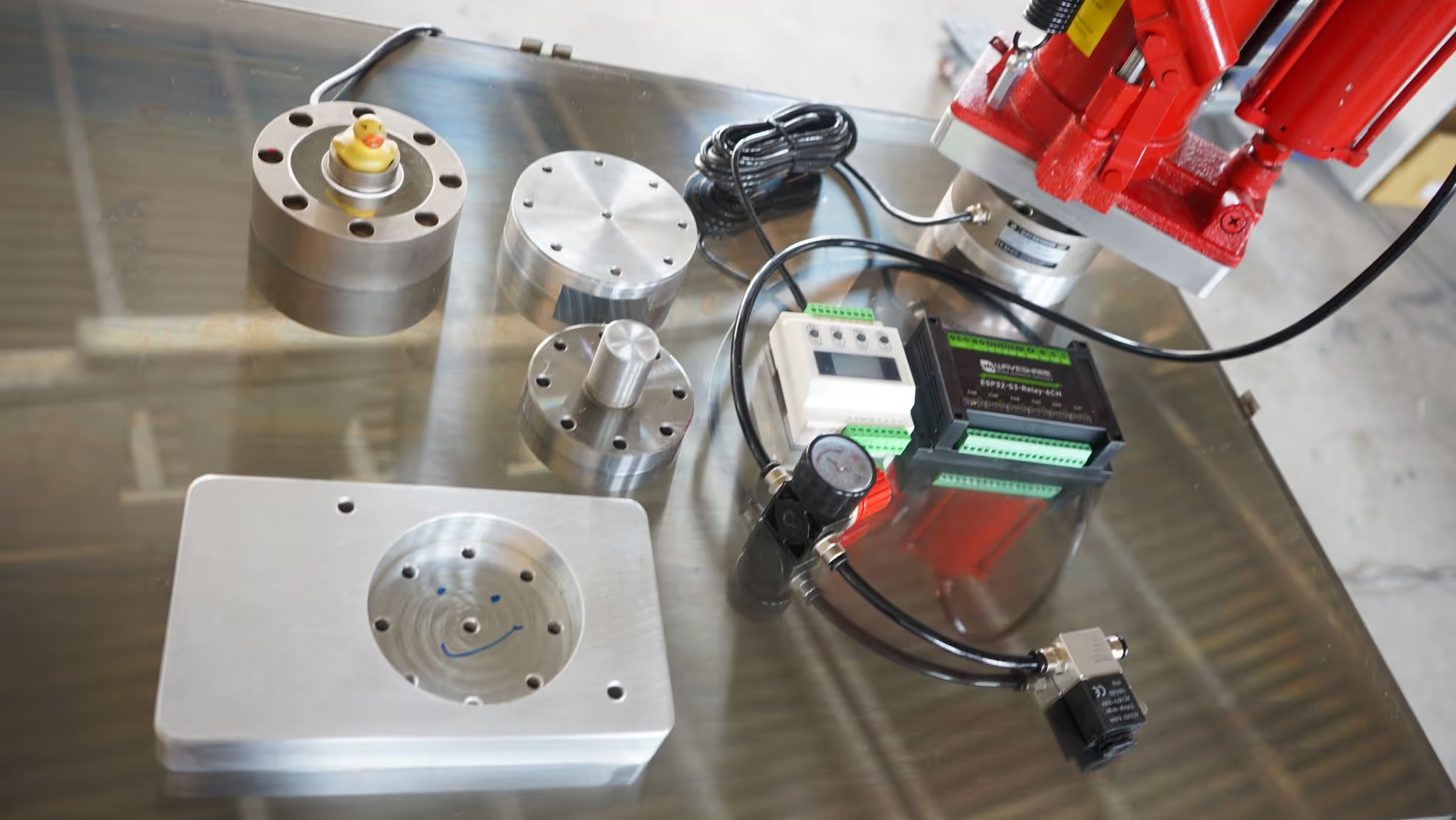
🔄 Two Images Side by Side (50% each)
🔄 Original: Public Paths (Still Work)
undefinedDifferent Format Generation
Quality Optimization
undefinedInteractive Image Gallery
🆕 Glob Pattern Gallery - Auto-load from Directory!


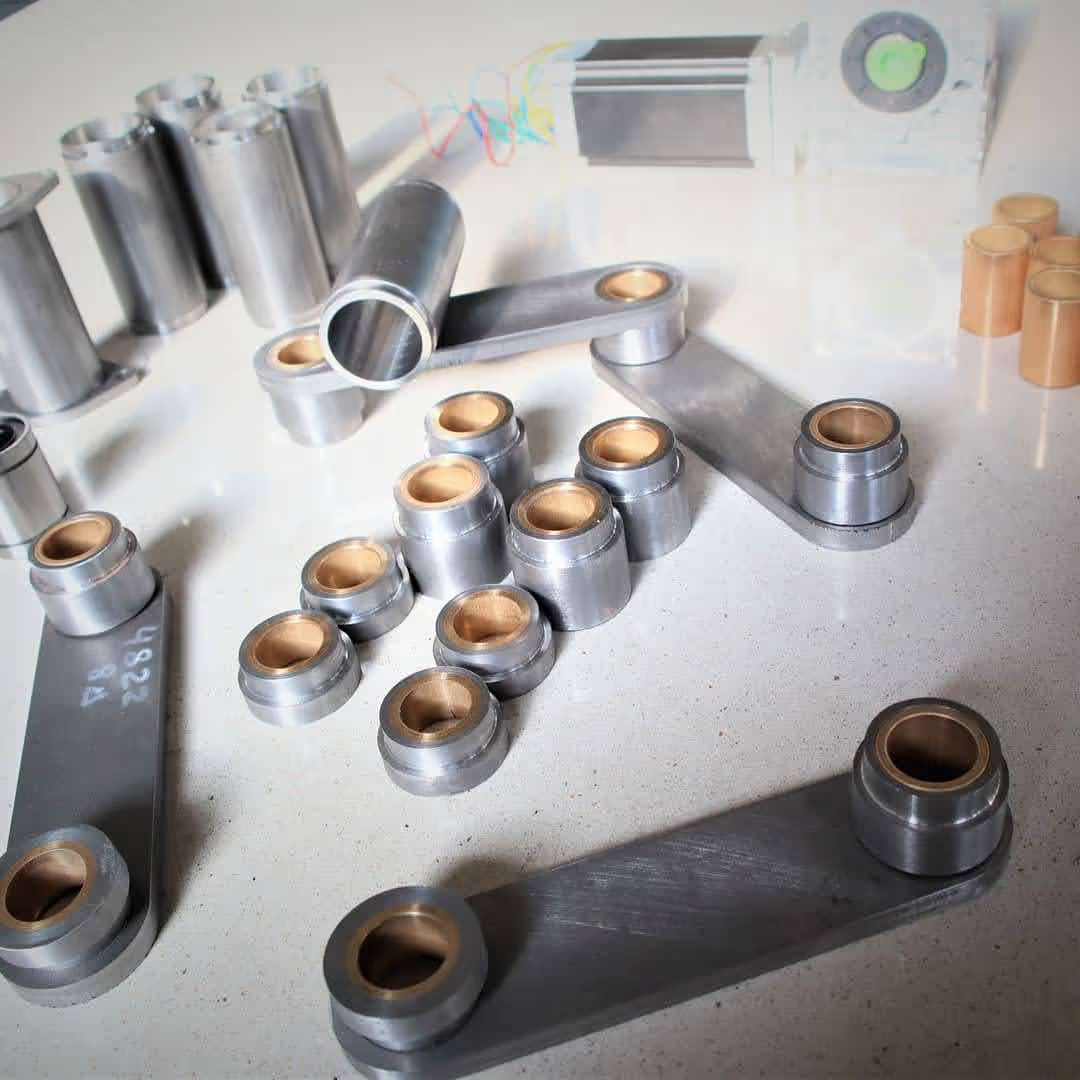

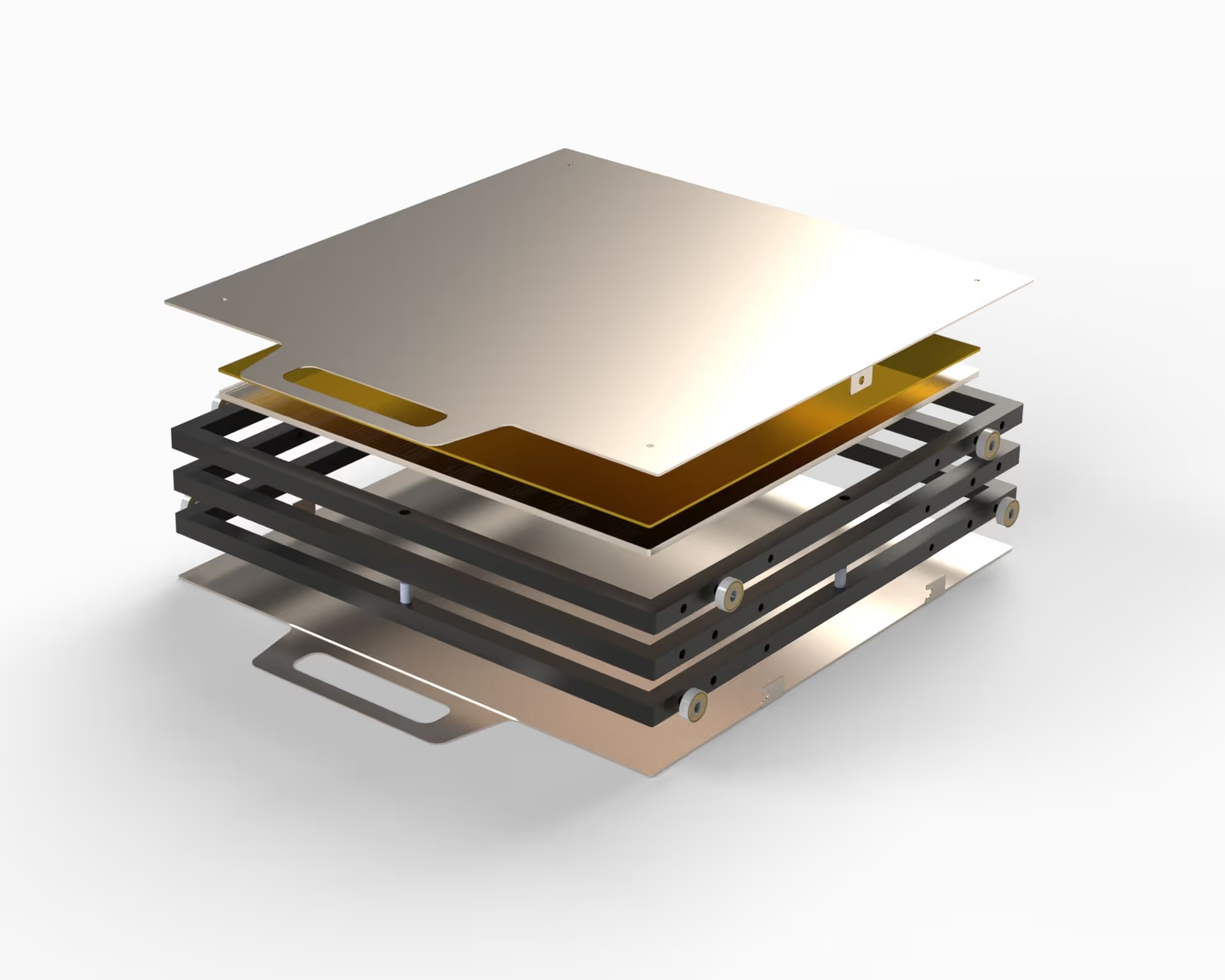
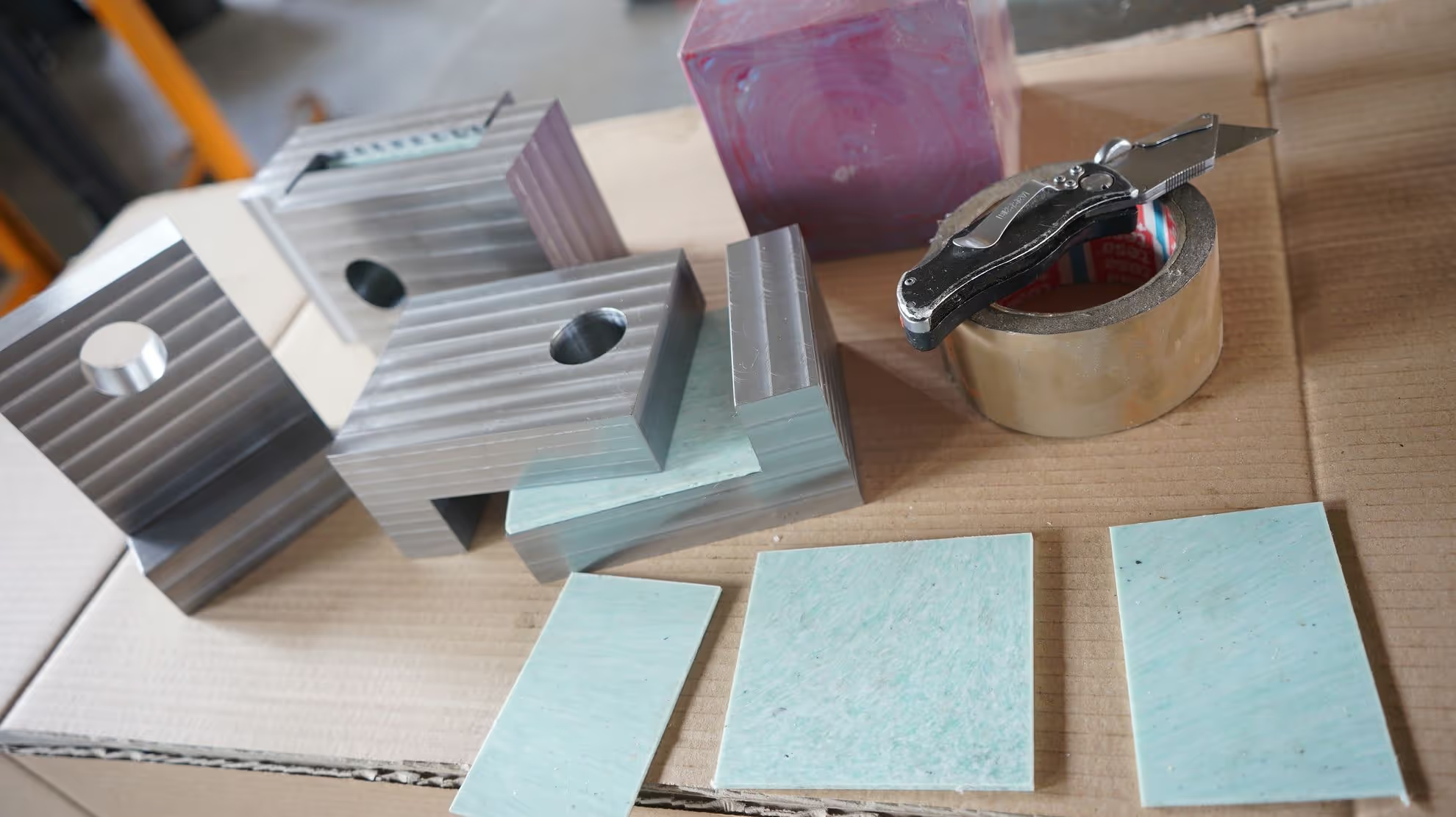
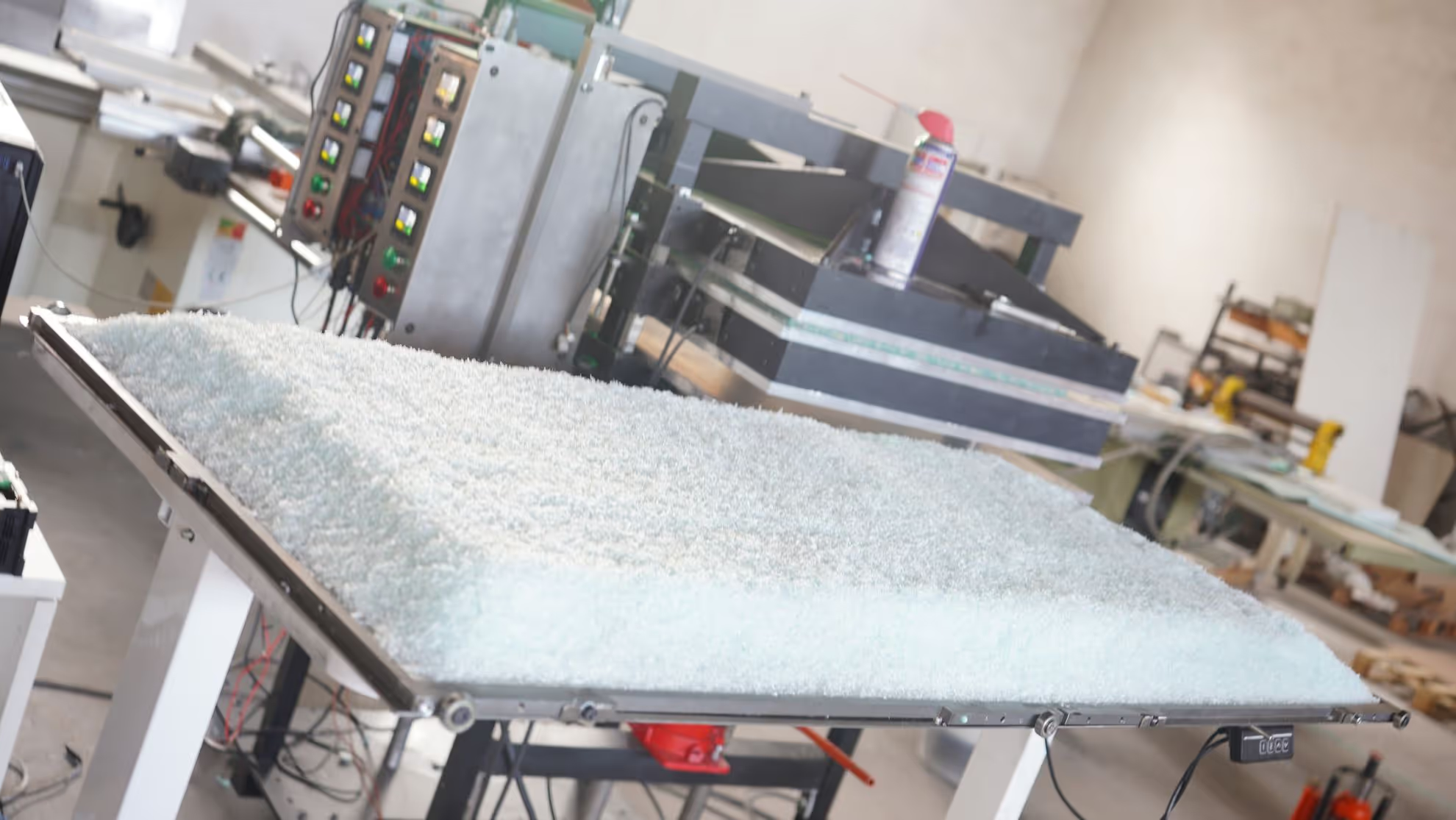
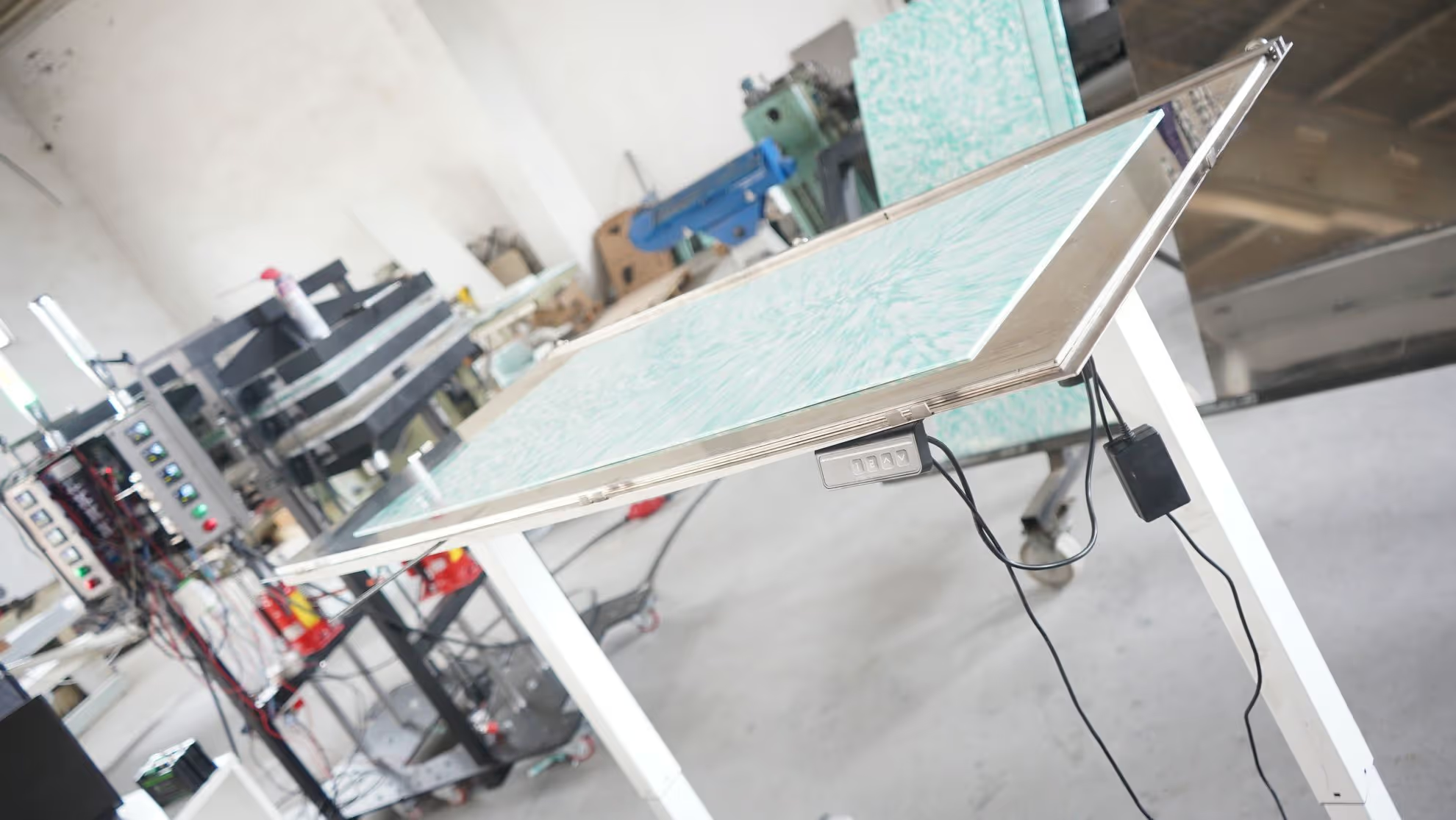
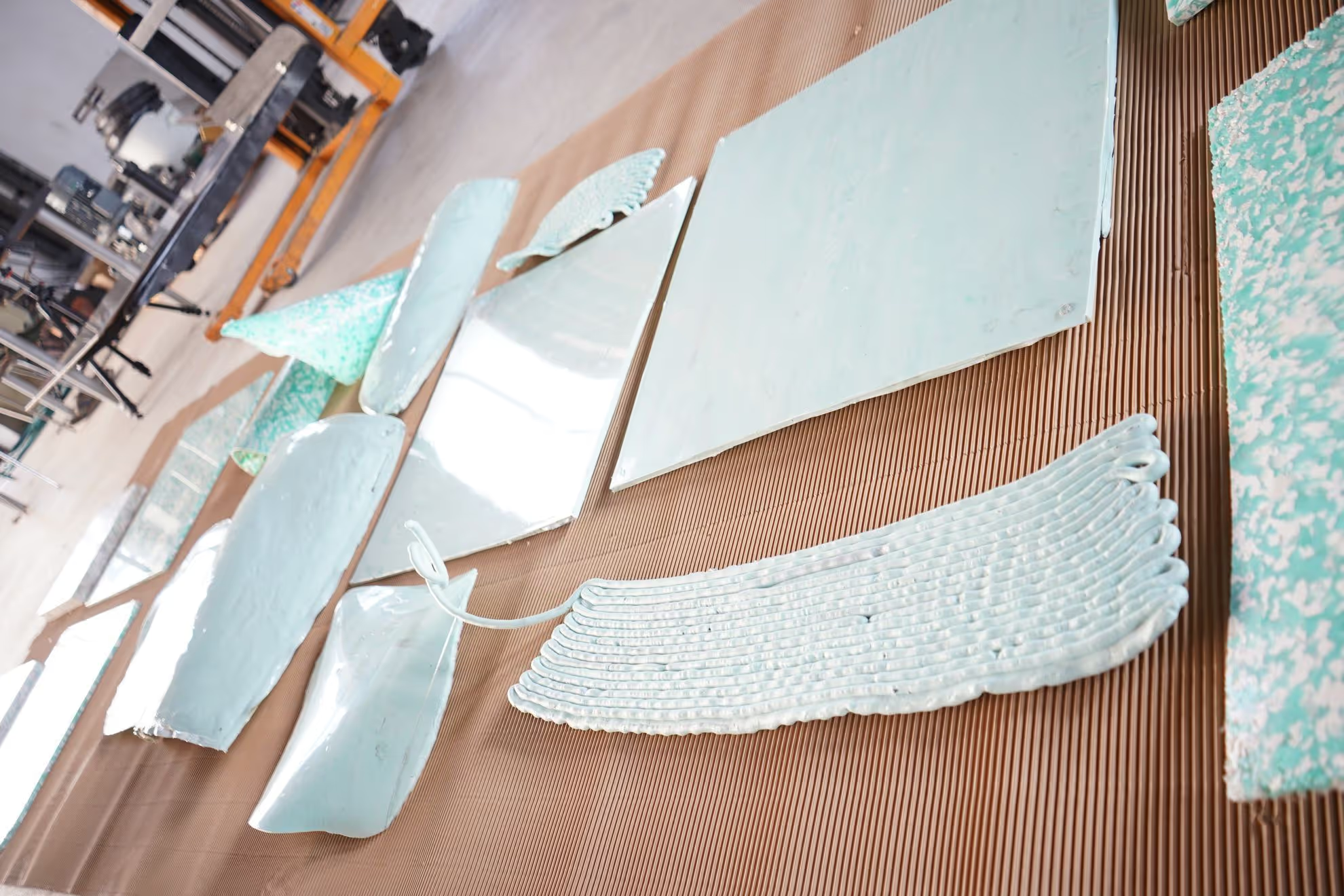
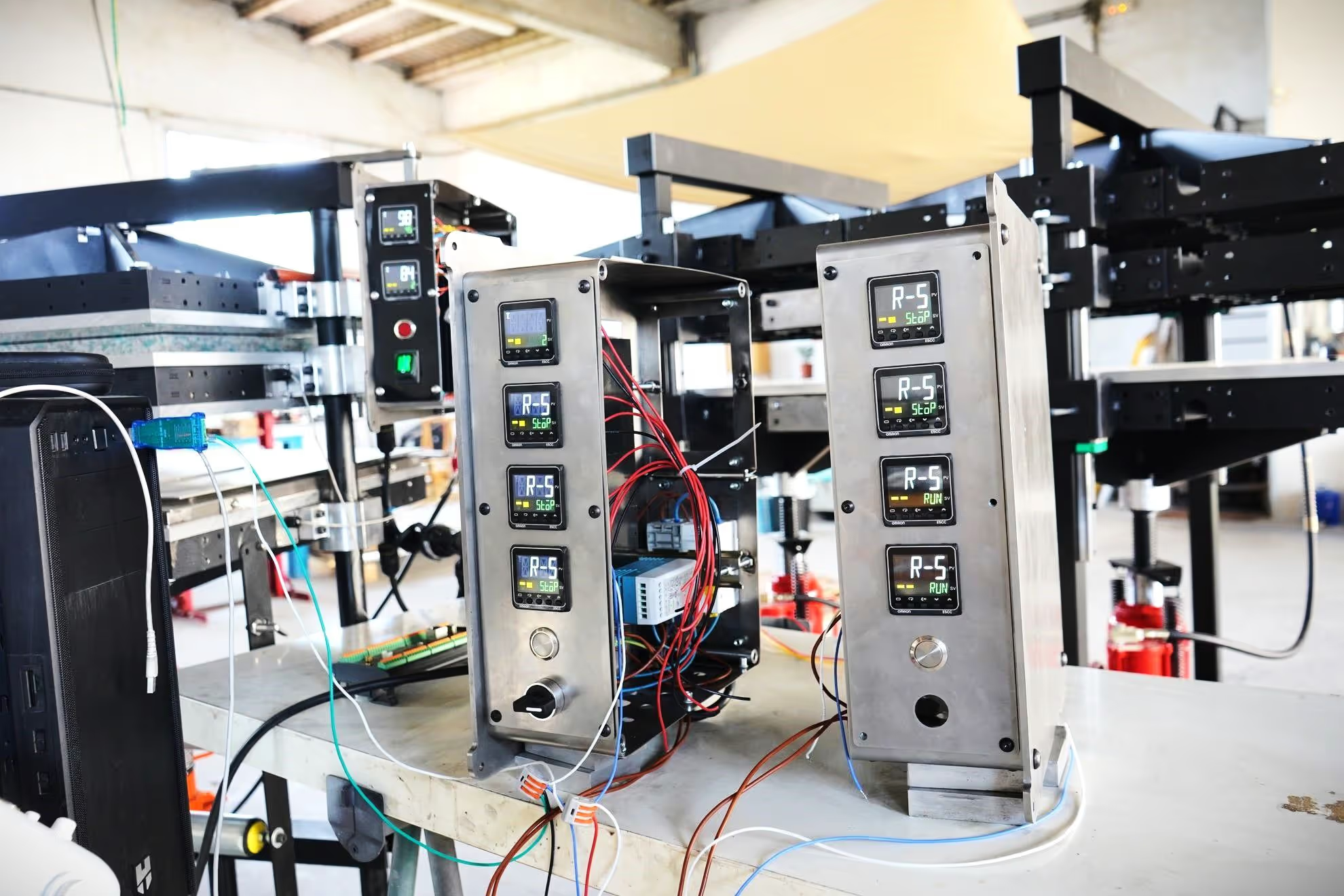
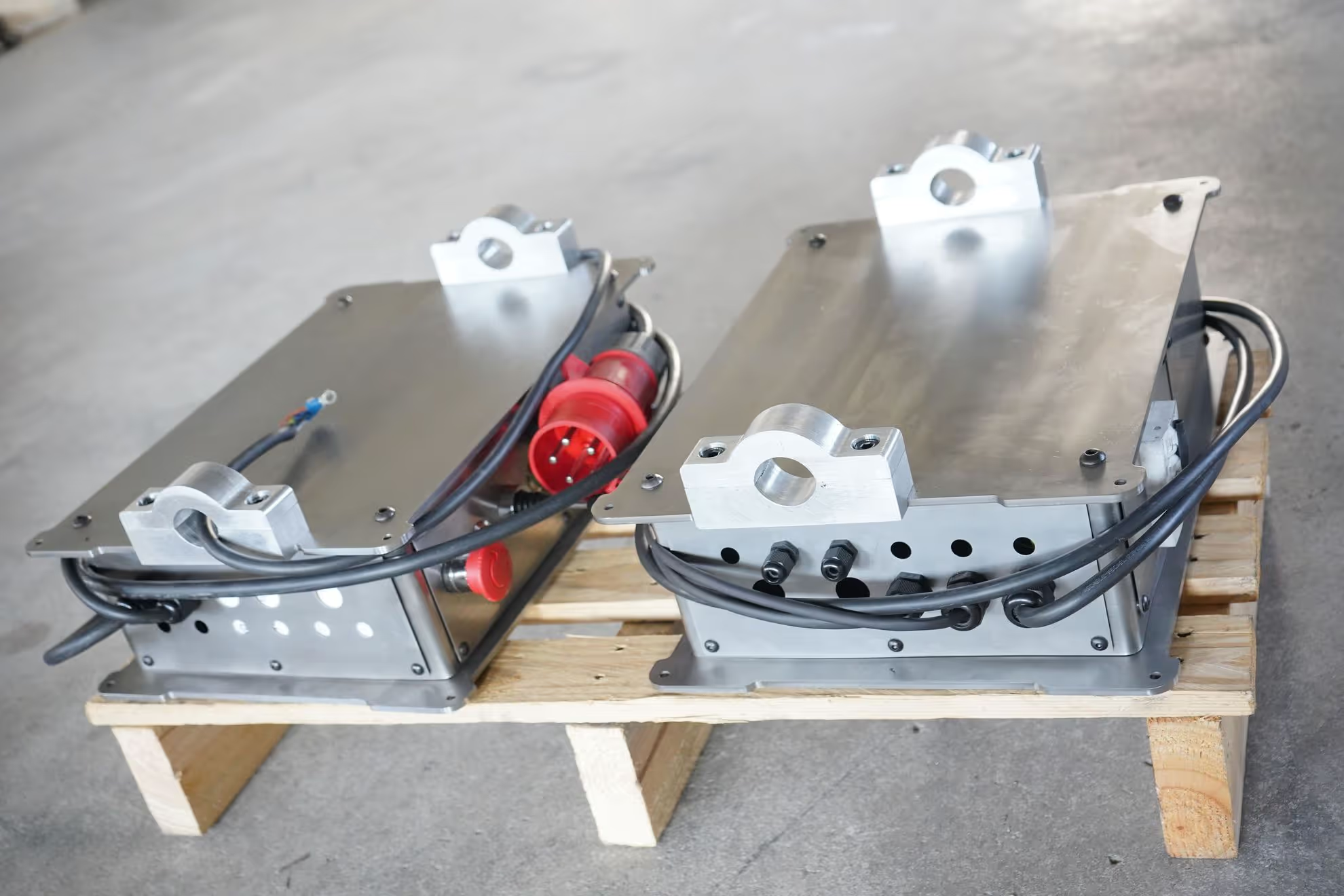
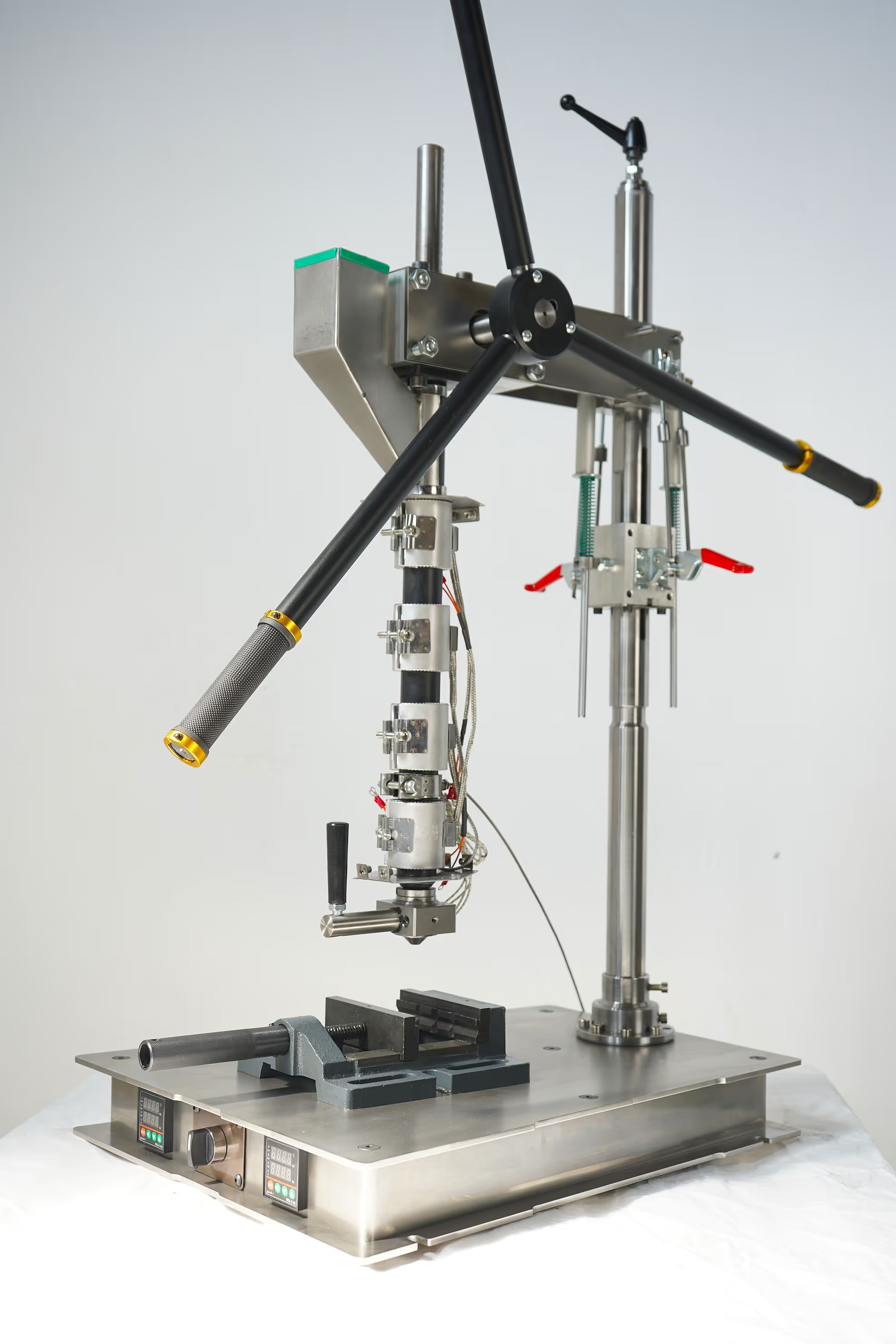
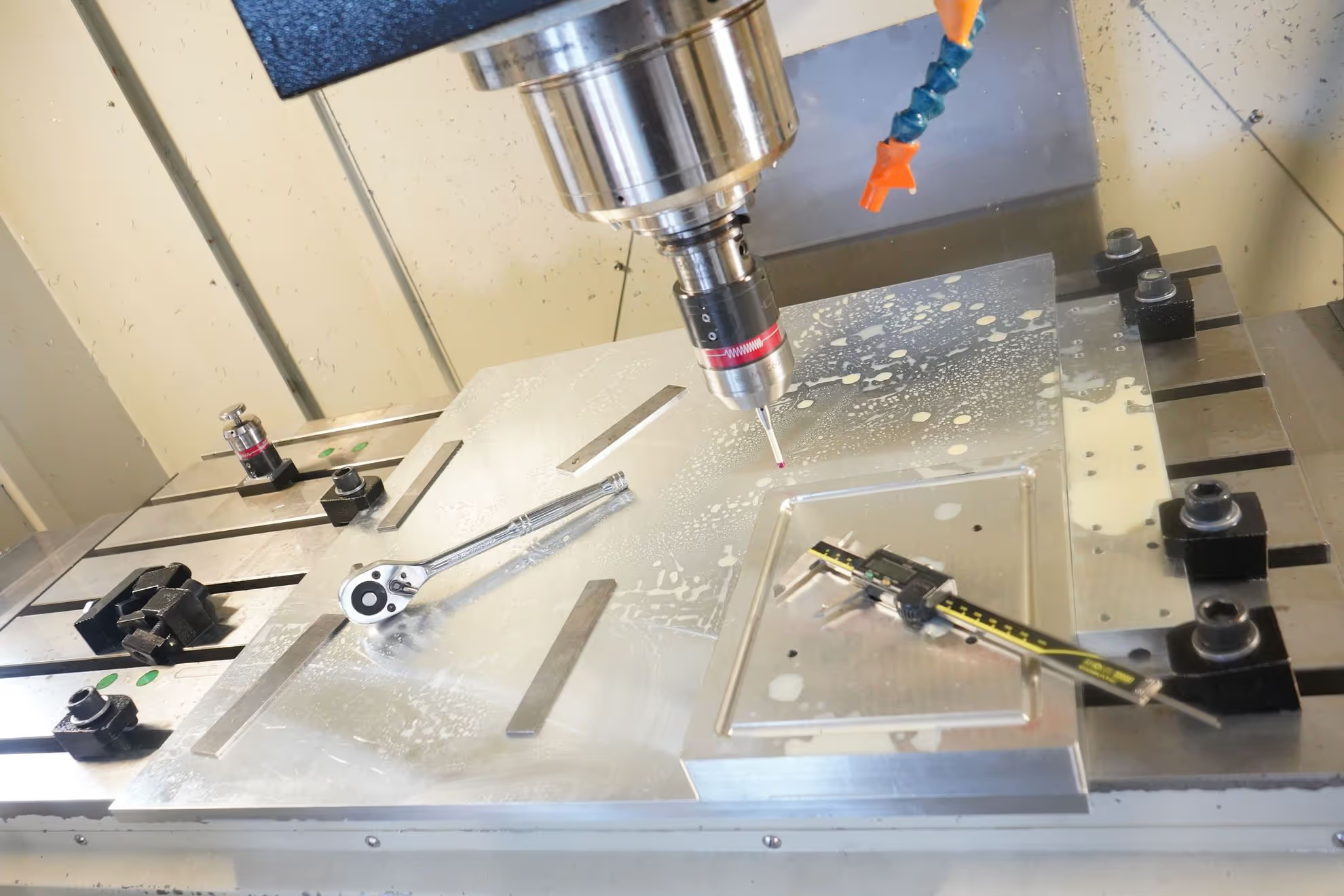
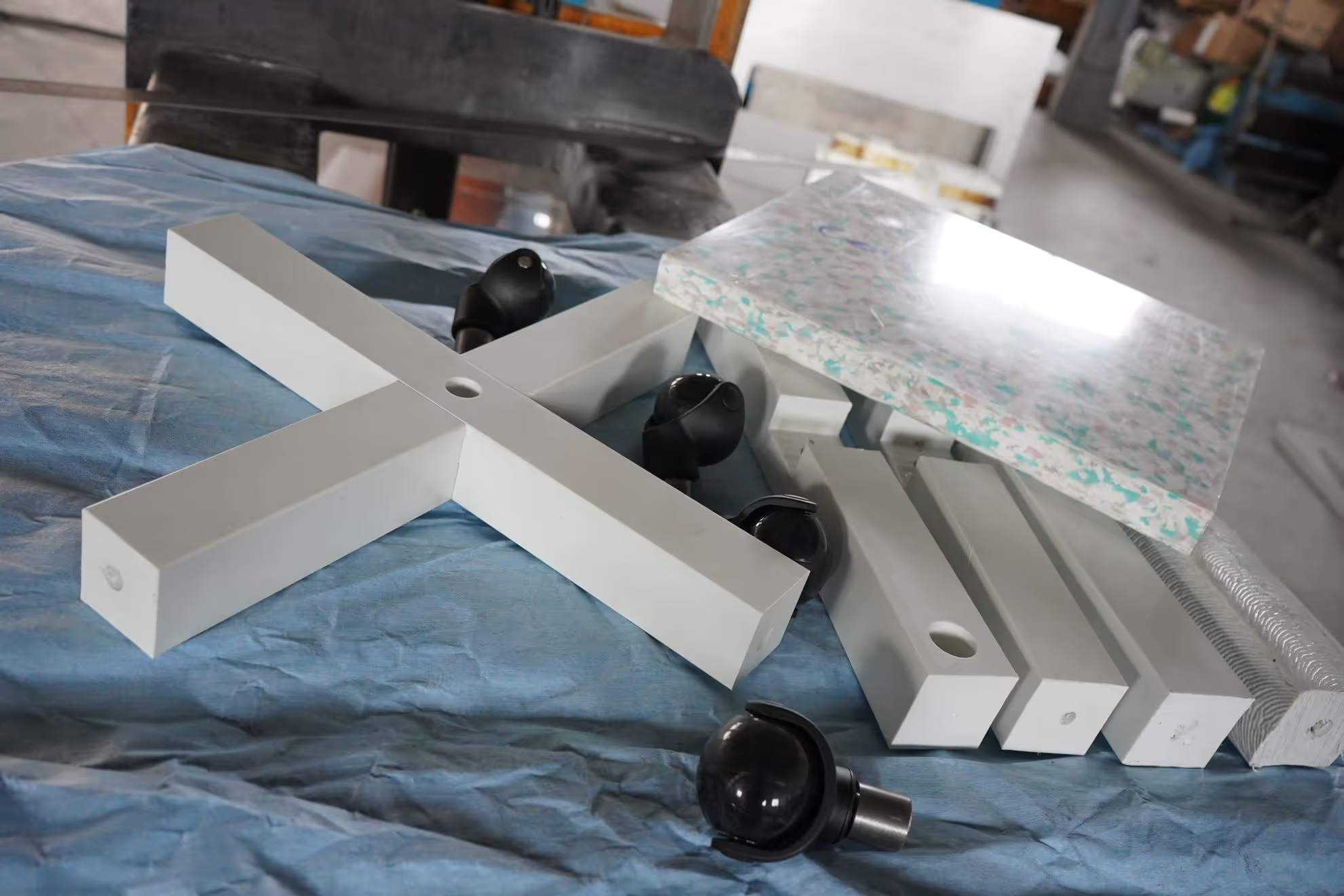
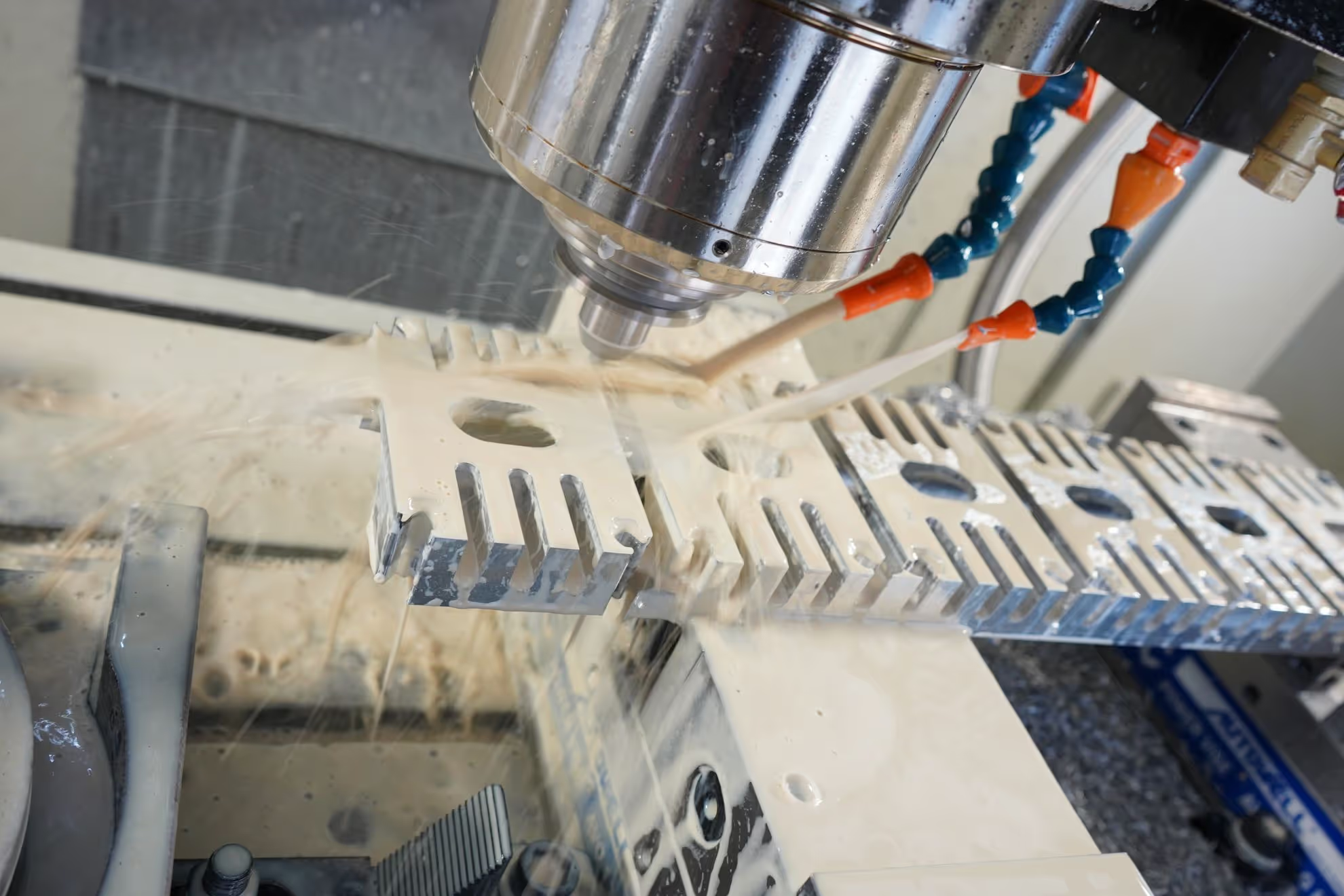
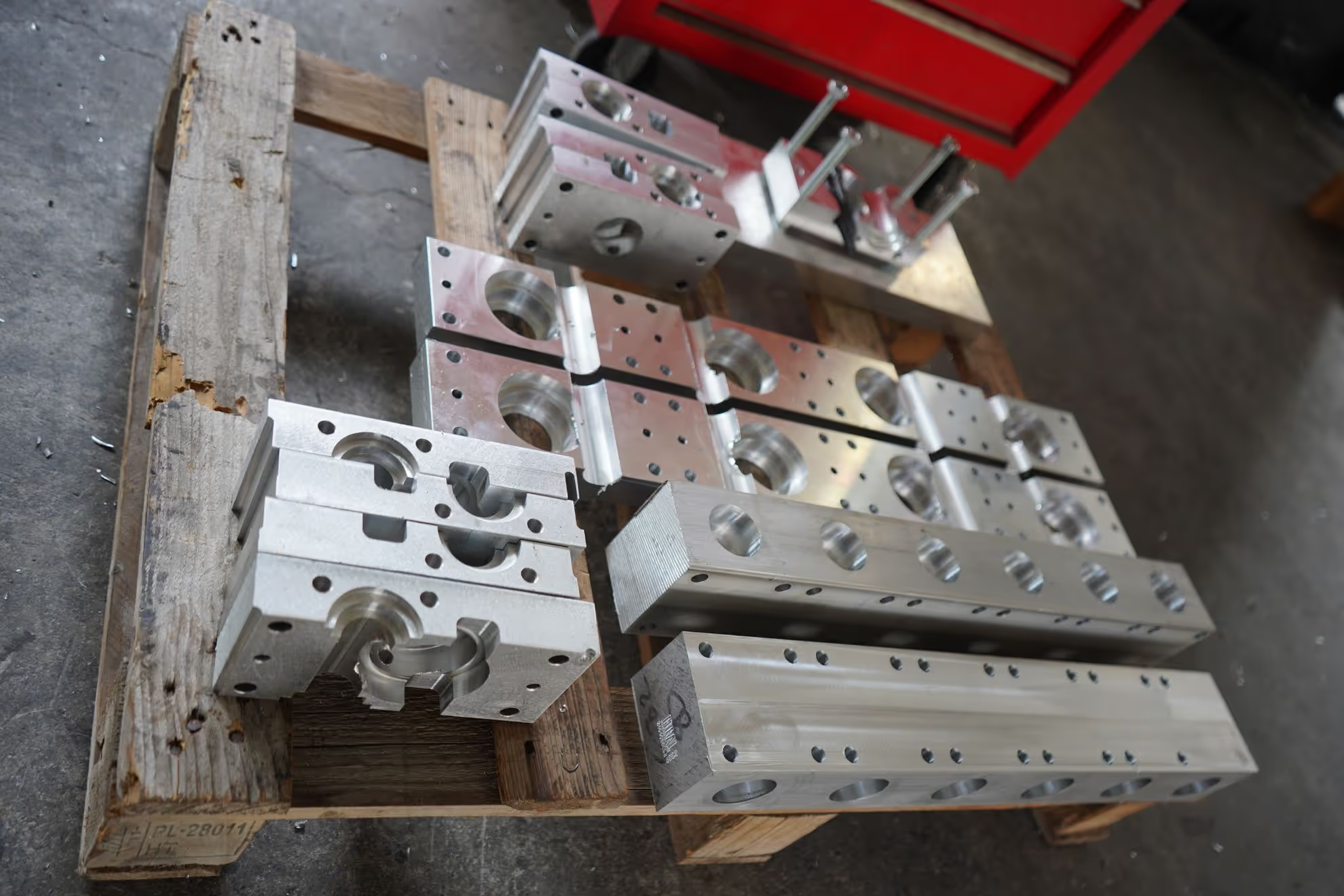
IMG 20210731 003002 242
Auto-loaded from ./gallery/*.jpg
IMG 20210711 210122 387
Auto-loaded from ./gallery/*.jpg
IMG 20210711 210122 345
Auto-loaded from ./gallery/*.jpg
IMG 20210611 185222 078
Auto-loaded from ./gallery/*.jpg
IMG 20210611 185222 023
Auto-loaded from ./gallery/*.jpg
IMG 20210224 110541 725
Auto-loaded from ./gallery/*.jpg
IMG 20210224 110541 721
Auto-loaded from ./gallery/*.jpg
IMG 20201219 172830 671
boops md
Edc 450 Mould 45
Auto-loaded from ./gallery/*.jpg
DSC05815
Auto-loaded from ./gallery/*.jpg
DSC05198
Auto-loaded from ./gallery/*.jpg
DSC05173
Auto-loaded from ./gallery/*.jpg
DSC04881
Auto-loaded from ./gallery/*.jpg
DSC04700
Auto-loaded from ./gallery/*.jpg
DSC04648
Auto-loaded from ./gallery/*.jpg
DSC04389
Auto-loaded from ./gallery/*.jpg
DSC03876
Auto-loaded from ./gallery/*.jpg
DSC03770
Auto-loaded from ./gallery/*.jpg
DSC03481
Auto-loaded from ./gallery/*.jpg
DSC03470
boops
IMG 20210731 003002 242
Auto-loaded from ./gallery/*.jpg
IMG 20210711 210122 387
Auto-loaded from ./gallery/*.jpg
IMG 20210711 210122 345
Auto-loaded from ./gallery/*.jpg
IMG 20210611 185222 078
Auto-loaded from ./gallery/*.jpg
IMG 20210611 185222 023
Auto-loaded from ./gallery/*.jpg
IMG 20210224 110541 725
Auto-loaded from ./gallery/*.jpg
IMG 20210224 110541 721
Auto-loaded from ./gallery/*.jpg
IMG 20201219 172830 671
boops md
Edc 450 Mould 45
Auto-loaded from ./gallery/*.jpg
DSC05815
Auto-loaded from ./gallery/*.jpg
DSC05198
Auto-loaded from ./gallery/*.jpg
DSC05173
Auto-loaded from ./gallery/*.jpg
DSC04881
Auto-loaded from ./gallery/*.jpg
DSC04700
Auto-loaded from ./gallery/*.jpg
DSC04648
Auto-loaded from ./gallery/*.jpg
DSC04389
Auto-loaded from ./gallery/*.jpg
DSC03876
Auto-loaded from ./gallery/*.jpg
DSC03770
Auto-loaded from ./gallery/*.jpg
DSC03481
Auto-loaded from ./gallery/*.jpg
DSC03470
boops
Manual Images (Original Method)
Test Image 1 (Relative)
This image uses relative path ./test.jpg
Test Image 2 (Relative)
This image uses relative path ./test.jpg
Test Image 1 (Relative)
This image uses relative path ./test.jpg
Test Image 2 (Relative)
This image uses relative path ./test.jpg
🆕 Glob Pattern Support:
IMG 20210731 003002 242
IMG 20210711 210122 387
IMG 20210711 210122 345
IMG 20210611 185222 078
IMG 20210611 185222 023
IMG 20210224 110541 725
IMG 20210224 110541 721
IMG 20201219 172830 671
Edc 450 Mould 45
DSC05815
DSC05198
DSC05173
DSC04881
DSC04700
DSC04648
DSC04389
DSC03876
DSC03770
DSC03481
DSC03470
IMG 20210731 003002 242
Auto-loaded from ./gallery/*.jpg
IMG 20210711 210122 387
Auto-loaded from ./gallery/*.jpg
IMG 20210711 210122 345
Auto-loaded from ./gallery/*.jpg
IMG 20210611 185222 078
Auto-loaded from ./gallery/*.jpg
IMG 20210611 185222 023
Auto-loaded from ./gallery/*.jpg
IMG 20210224 110541 725
Auto-loaded from ./gallery/*.jpg
IMG 20210224 110541 721
Auto-loaded from ./gallery/*.jpg
IMG 20201219 172830 671
boops md
Edc 450 Mould 45
Auto-loaded from ./gallery/*.jpg
DSC05815
Auto-loaded from ./gallery/*.jpg
DSC05198
Auto-loaded from ./gallery/*.jpg
DSC05173
Auto-loaded from ./gallery/*.jpg
DSC04881
Auto-loaded from ./gallery/*.jpg
DSC04700
Auto-loaded from ./gallery/*.jpg
DSC04648
Auto-loaded from ./gallery/*.jpg
DSC04389
Auto-loaded from ./gallery/*.jpg
DSC03876
Auto-loaded from ./gallery/*.jpg
DSC03770
Auto-loaded from ./gallery/*.jpg
DSC03481
Auto-loaded from ./gallery/*.jpg
DSC03470
boops
Manual Usage:
import RelativeImage from "@polymech/astro-base/components/RelativeImage.astro";
<RelativeImage src="./my-image.jpg" alt="My image" width={400} />
FileTree Component Example
🆕 Auto-Generated FileTree with Glob Patterns!
No more manually typing out file structures! Just like RelativeGallery, FileTree now supports glob patterns with clickable file links:
Directorydirectory/
Directoryinfopages/
Directoryresources/
Directorysystem/
- config.ts
Specific Directory Structure (with custom URL prefix)
- No files found matching pattern:
../components/**/*
Searched in:C:/Users/zx/Desktop/polymech/library.polymech/src/content/components
VS Code Integration Example
- No files found matching pattern:
../src/components/polymech/**/*.{ts,astro}
Searched in:C:/Users/zx/Desktop/polymech/library.polymech/src/content/src/components/polymech
🆕 Thumbnail View (Windows Explorer Style)
Perfect for browsing images and visual files with modern, subtle link styling (no more aggressive blue!):
../public/images/**/*.{jpg,jpeg,png,gif,webp,svg}Searched in:
C:/Users/zx/Desktop/polymech/library.polymech/src/content/public/imagesLarge Thumbnails for Detailed Preview
../public/products/**/*.{jpg,jpeg,png}Searched in:
C:/Users/zx/Desktop/polymech/library.polymech/src/content/public/productsSmall Thumbnails for Compact View
Debug example with current directory images and proper icons:
./gallery/*Searched in:
C:/Users/zx/Desktop/polymech/library.polymech/src/content/en/galleryMixed content with folders and files:
For comparison, here’s a tree view of the same files:
- No files found matching pattern:
./*.jpg
Searched in:C:/Users/zx/Desktop/polymech/library.polymech/src/content/en
Debug Example - Non-existent Path
This will show the “No files found” message with absolute path:
./non-existent/*.jpgSearched in:
C:/Users/zx/Desktop/polymech/library.polymech/src/content/en/non-existent- No files found matching pattern:
./another-missing-dir/**/*.png
Searched in:C:/Users/zx/Desktop/polymech/library.polymech/src/content/en/another-missing-dir
Manual FileTree (Original Method)
Here’s an example of the FileTree component with manual structure:
Directorypublic/
Directoryimages/
- logo.svg
- hero.jpg
- favicon.ico
Directorysrc/
Directorycomponents/
- Header.astro Important component
- Footer.astro
- Navigation.astro
Directorylayouts/
- Layout.astro
Directorypages/
- index.astro
- about.astro
Directoryblog/
- […slug].astro
Directorystyles/
- global.css
- astro.config.mjs
- package.json
- README.md
Advanced FileTree Features
Directorysrc/
Directorycomponents/
Directoryui/
- Button.tsx React component
- Input.vue Vue component
- Modal.svelte Svelte component
Directorylayouts/
- BaseLayout.astro
- BlogLayout.astro
Directoryutils/
- helpers.ts
- constants.js
Directorytypes/
- index.d.ts TypeScript definitions
- …
Directorytests/
Directoryunit/
- components.test.ts
Directorye2e/
- homepage.spec.ts
Directorydocs/
- getting-started.md Start here!
- api-reference.md
Directory.github/
Directoryworkflows/
- ci.yml
- package.json
- tsconfig.json
More Glob Examples
Show just the current directory:
- No files found matching pattern:
./*
Searched in:C:/Users/zx/Desktop/polymech/library.polymech/src/content/en
Show all TypeScript files in the project:
Show configuration files only:
- No files found matching pattern:
../**/*.{json,yaml,yml,toml,config.js,config.ts}
Searched in:C:/Users/zx/Desktop/polymech/library.polymech/src/content
FileTree Usage Examples
// Tree view (default) - hierarchical structure
<FileTree glob="../src/**/*.astro" maxDepth={3} />

// Thumbnail view - Windows Explorer style grid
<FileTree
  glob="../public/images/**/*.{jpg,png,gif}"
  view="thumbs"
  thumbSize="medium"
/>

// Large thumbnails for detailed preview
<FileTree
  glob="../assets/**/*.{jpg,png}"
  view="thumbs"
  thumbSize="large"
  maxDepth={2}
/>

// Small thumbnails for compact display
<FileTree
  glob="../gallery/**/*"
  view="thumbs"
  thumbSize="small"
  linkFiles={false}
/>

// Custom URL prefix for GitHub integration
<FileTree
  glob="../**/*.ts"
  urlPrefix="https://github.com/username/repo/blob/main"
  maxDepth={3}
/>

// VS Code integration - files open in editor
<FileTree
  glob="../**/*.astro"
  urlPrefix="vscode://file"
  maxDepth={2}
/>

// Disable links if you just want display
<FileTree
  glob="../**/*"
  linkFiles={false}
  maxDepth={2}
/>

// Show hidden files with custom dev server URL
<FileTree
  glob="../**/*"
  showHidden={true}
  urlPrefix="http://localhost:3000"
  maxDepth={2}
/>

// Manual structure (original way - no links)
<FileTree>
- src/
  - components/
    - Header.astro
</FileTree>
View Modes:
- Tree View (
view="tree"): Traditional hierarchical file tree with folders and files - Thumbnail View (
view="thumbs"): Grid layout like Windows Explorer with image previews
Thumbnail Sizes:
- Small (
thumbSize="small"): 80px thumbnails for compact display - Medium (
thumbSize="medium"): 120px thumbnails (default) - Large (
thumbSize="large"): 160px thumbnails for detailed preview
Link Types Supported:
- Default:
file://protocol for local file system - VS Code:
vscode://file/for opening in VS Code - GitHub:
https://github.com/user/repo/blob/main/for web viewing - Custom: Any URL prefix you provide
- Disabled: Set
linkFiles={false}for display only
Breadcrumb Navigation
The Resources collection now includes automatic breadcrumb navigation!
Features:
- Auto-generated: Breadcrumbs are automatically created based on your URL path
- Smart labeling: Uses your page title for the current page, formatted directory names for paths
- Accessible: Full ARIA support with proper labels and navigation structure
- Responsive: Mobile-friendly design that adapts to smaller screens
- Customizable: Easy to disable per page or customize styling
Usage:
Enable breadcrumbs (default behavior):
---
title: "My Page Title"
# Breadcrumbs will show automatically
---
Disable breadcrumbs for a specific page:
---
title: "My Page Title"
breadcrumb: false
---
Example Breadcrumb Path:
For a page at /resources/guides/getting-started/, the breadcrumb would show:
Home / Resources / Guides / Getting Started
The breadcrumb component is reusable and can be easily integrated into other collection layouts as needed.
🆕 Sidebar Autogenerated Nodes with Sorting
The sidebar now supports configurable sorting for autogenerated nodes! By default, all autogenerated sidebar sections use alphabetical sorting.
Available Sort Functions:
'alphabetical'(Default): Sorts items alphabetically by label, with files before groups'date': Sorts bypubDatefrontmatter field (newest first), fallback to alphabetical'custom': Use your own custom sorting function
Configuration Examples:
Basic Alphabetical Sorting (Default)
// src/config/sidebar.ts
export const sidebarConfig: SidebarGroup[] = [
  {
    label: 'Resources',
    autogenerate: {
      directory: 'resources',
      collapsed: false,
      sortBy: 'alphabetical'  // This is the default
    },
  },
];
Date-based Sorting (Newest First)
{
  label: 'Blog Posts',
  autogenerate: {
    directory: 'blog',
    collapsed: false,
    sortBy: 'date'  // Requires pubDate in frontmatter
  },
}
Custom Sorting Function
{
  label: 'Custom Sorted',
  autogenerate: {
    directory: 'docs',
    collapsed: false,
    sortBy: 'custom',
    customSort: (a, b) => {
      // Custom logic here - example: prioritize certain files
      if (a.label.startsWith('Getting Started')) return -1;
      if (b.label.startsWith('Getting Started')) return 1;
      return a.label.localeCompare(b.label);
    }
  },
}
Features:
- Hierarchical sorting: Applies to both files and subdirectories
- Files before groups: Files always appear before subdirectory groups in alphabetical mode
- Fallback support: Date sorting falls back to alphabetical when no dates are available
- Deep nesting: Sorting applies recursively to all nested levels
- Type safety: Full TypeScript support with proper type definitions
Migration:
Existing configurations will continue to work unchanged - alphabetical sorting is now the explicit default instead of being hardcoded.
Mermaid Diagrams
Now we have full support for Mermaid diagrams in MDX! Here are some examples:
Flowchart Example
graph TD
    A[Start] --> B{Is it working?}
    B -->|Yes| C[Great!]
    B -->|No| D[Debug]
    D --> B
    C --> E[Deploy to Production]
Sequence Diagram
sequenceDiagram
    participant User
    participant Browser
    participant Server
    participant Database

    User->>Browser: Open website
    Browser->>Server: Request page
    Server->>Database: Query data
    Database-->>Server: Return data
    Server-->>Browser: Send HTML
    Browser-->>User: Display page
Git Flow Diagram
graph TD
    A[main branch] --> B[develop branch]
    B --> C[feature branch]
    C --> D[commit 1]
    D --> E[commit 2]
    E --> F[merge to develop]
    F --> B
    B --> G[merge to main]
    G --> A

    style A fill:#e1f5fe
    style B fill:#f3e5f5
    style C fill:#e8f5e8
Class Diagram
classDiagram
    class FileTree {
        +String glob
        +Number maxDepth
        +Boolean showHidden
        +String[] exclude
        +String urlPrefix
        +Boolean linkFiles
        +generateFileUrl()
        +buildFileTreeFromPaths()
    }

    class RelativeGallery {
        +String glob
        +Object[] images
        +Object gallerySettings
        +Object lightboxSettings
        +renderGallery()
    }

    FileTree --> RelativeGallery : uses similar patterns
State Diagram
stateDiagram-v2
    [*] --> Loading
    Loading --> Success: Data loaded
    Loading --> Error: Failed to load
    Success --> [*]
    Error --> Retry: User clicks retry
    Retry --> Loading
    Error --> [*]: User gives up
Project Timeline
gantt
    title Development Timeline
    dateFormat  YYYY-MM-DD
    section Setup
    Project Start    :2024-01-01, 2024-01-31
    Astro Setup      :2024-01-15, 2024-01-31
    section Features
    ImageTools       :2024-02-01, 2024-02-15
    FileTree         :2024-02-10, 2024-02-28
    RelativeGallery  :2024-03-01, 2024-03-15
    Breadcrumbs      :2024-03-10, 2024-03-20
    section Recent
    Mermaid Support  :2024-12-01, 2024-12-19
    Enhanced Links   :2024-12-15, 2024-12-19